Why Should You Use Image Upload Optimization?
Faster Page Loading from Optimized Uploads
Images are optimized as soon as they are uploaded to WordPress. This keeps file sizes smaller from the start and helps pages load faster without any extra steps.
Improved Core Web Vitals with Smaller Images
Images are optimized as soon as they are uploaded to WordPress. This keeps file sizes smaller from the start and helps pages load faster without any extra steps.
Built-In Fallback for Browser Compatibility
Original image files are preserved alongside optimized versions. Modern browsers receive WebP images, while older browsers continue to load supported formats without issues.

Image Optimization Without Extra Plugins
Image upload optimization is handled within the Nexter Extension. This reduces the need for separate image compression or WebP plugins and keeps your WordPress setup easier to manage.
Automatic WebP Conversion on Image Upload
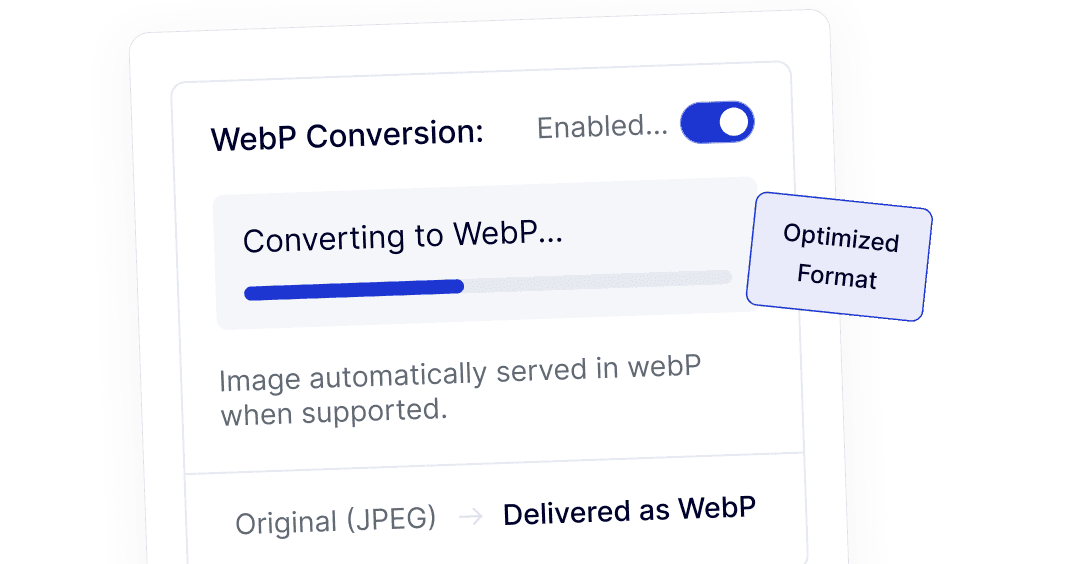
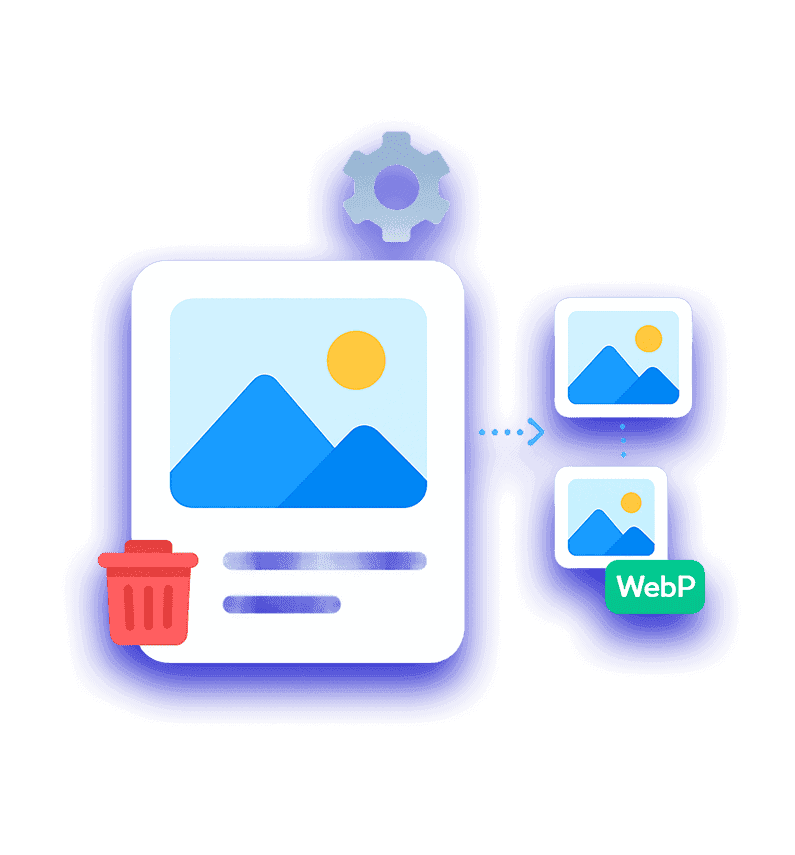
Images are converted to WebP format automatically in the background. You don’t need to manually convert files or rely on third-party image tools.